
Solar Light Tower Monitoring: Battery Status and Night Readiness
Solar light tower remote monitoring should help a team decide whether the supplied solar, battery, and lighting system is ready for the next required lighting period.
Solar light tower remote monitoring should help a team decide whether the supplied solar, battery, and lighting system is ready for the next required lighting period. Start by defining the energy and service questions, then verify which readings the installed monitoring option actually provides. A remote handset that switches a lamp is not proof of battery telemetry, historical energy records, or a cloud dashboard. Request a signal list, timestamps, communication limitations, alert responsibilities, and an acceptance demonstration for the delivered configuration before making operational promises.
Begin with the next lighting period
The most useful monitoring question is often whether the tower can deliver the required service tonight, rather than how many values a dashboard displays. Define the planned lighting hours, permitted modes, task requirements, and the actions available if readiness is uncertain. A remote reading should support a decision such as arranging an inspection, investigating poor charging, or adjusting the deployment plan through an authorized process. It should not replace the site team’s responsibility for lighting adequacy.
Keep the service requirement visible when reviewing energy information. A battery indicator can appear satisfactory while the connected lamps are not operating as intended. Conversely, a lamp-on indication does not establish that the battery will support the remainder of the shift. The monitoring specification should connect energy status and lighting status with the operating plan, while acknowledging the limits of each available measurement and the actual supplied equipment.
Verify the solar tower and monitoring option separately
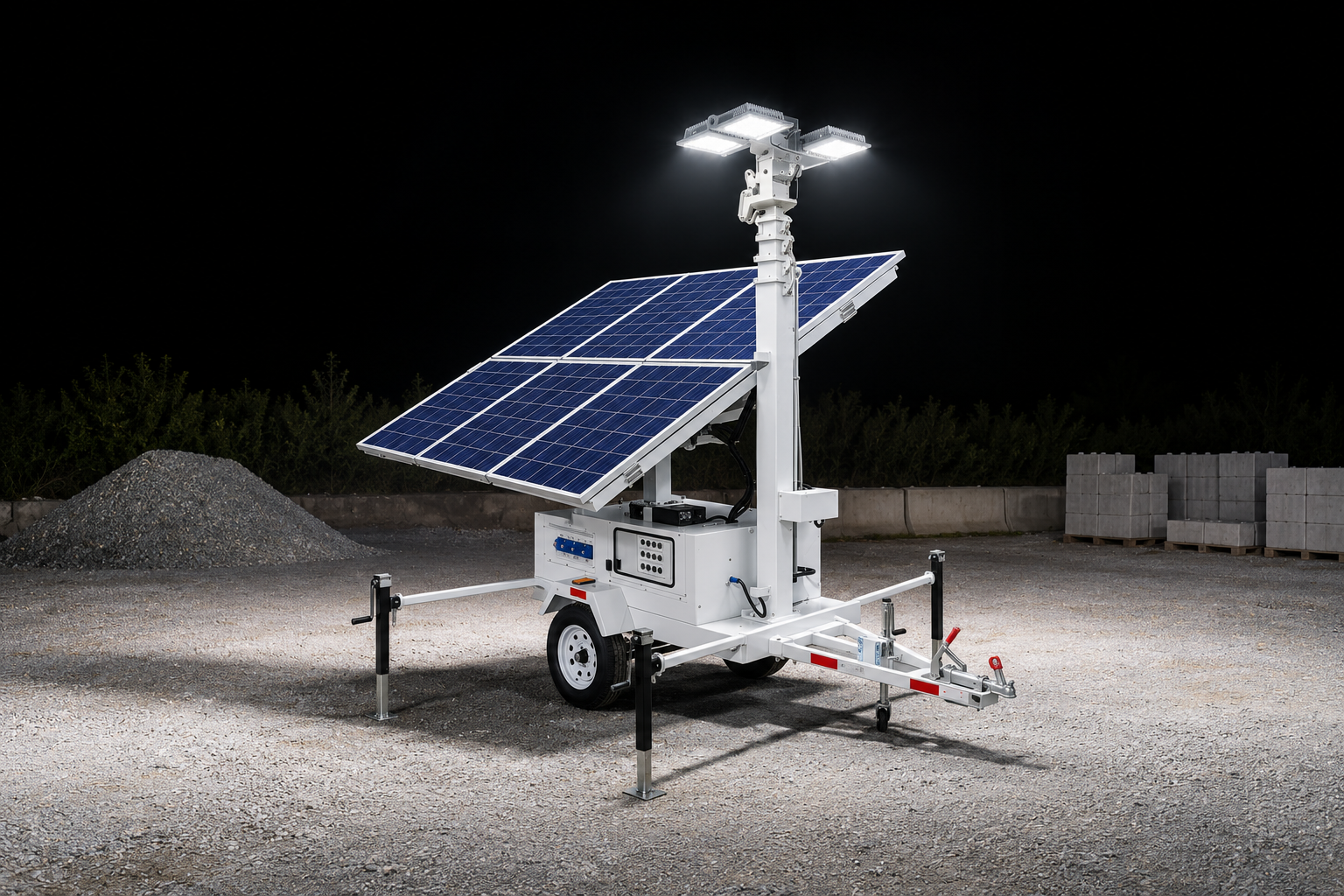
The Keyyou smart trailer solar light tower product family describes a smart remote monitoring control system. That makes it a relevant starting point for procurement, but it does not define every data point, communication method, or service subscription. Ask the supplier which functions are installed on the offered unit and which depend on optional hardware or services. Match the final configuration record to the machine identification before using a demonstration as evidence.
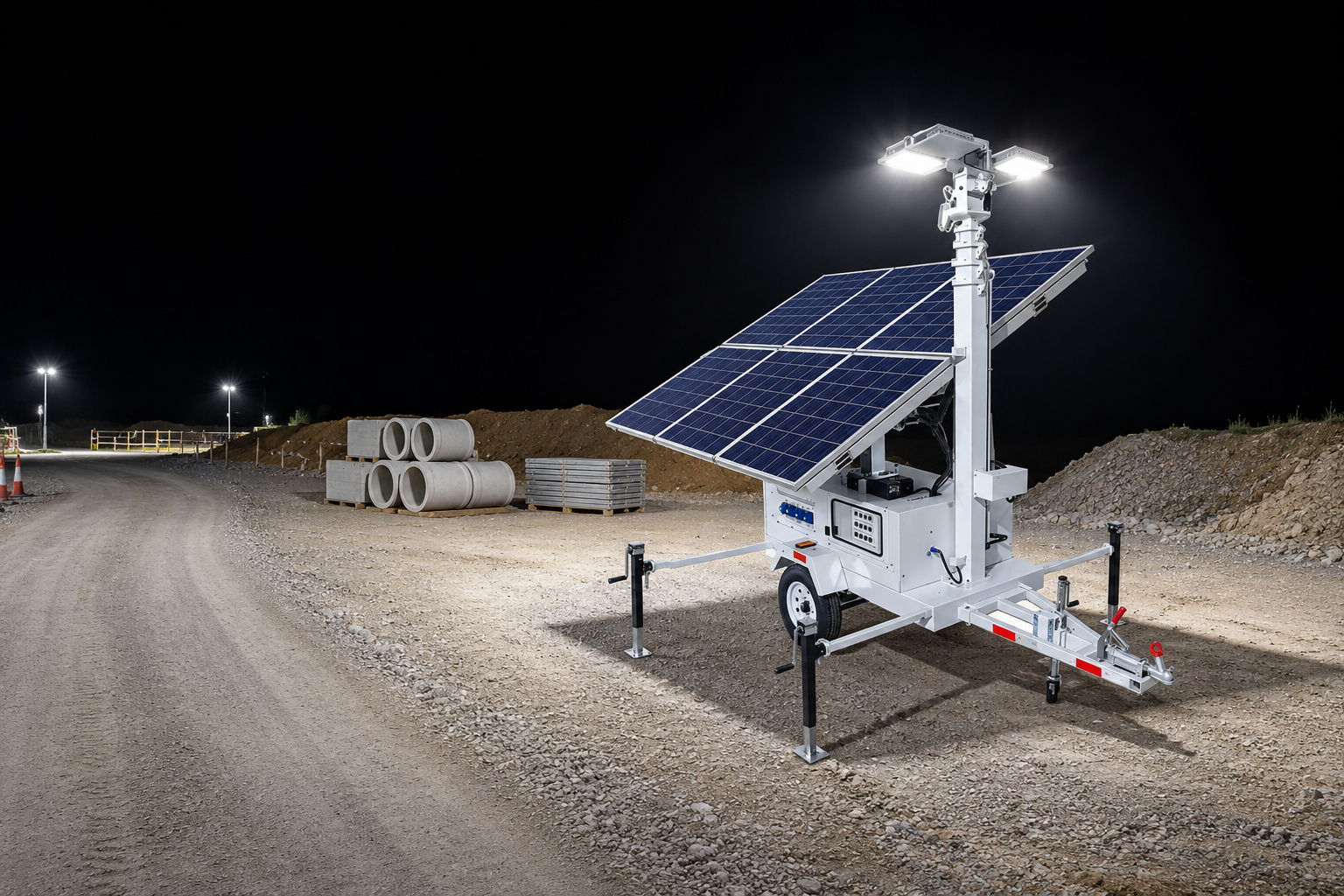
The product illustration shows the trailer, photovoltaic panels, mast, lamps, equipment enclosure, and support arrangement. It cannot prove a cloud connection or show what a battery sensor measures internally. Avoid adding imaginary antennas, screens, or communications devices to a product illustration. In the purchasing file, keep the physical product reference separate from the supplier’s monitoring architecture and the evidence from the actual acceptance demonstration.
Define a small set of decision signals
Ask what each proposed reading measures, where it originates, when it was sampled, and how it reaches the user. Battery state, charging status, lamp status, and communication health can be useful categories, but they must be supported by the installed package. A calculated estimate should be identified as an estimate. A controller’s internal status flag should not be renamed as a directly measured physical quantity without a documented basis.
For each reading, define its intended action. If nobody knows what to do when a value changes, the dashboard may be collecting information without improving operations. Start with the decisions the site can actually make and the people authorized to make them. Additional signals can be added when they address a real gap, rather than because a competitor’s brochure contains a longer list of icons or a more colourful display.
Use a solar-specific acceptance table
| Operating question | Candidate information to request | Verification boundary |
|---|---|---|
| Is the reading current? | Sample time, delivery time and communication condition | An old value must remain identifiable as old |
| Is charging occurring? | Supported charging indication or measured input | A sunny icon is not a measured energy yield |
| Is stored energy adequate? | Documented battery information and its limitations | An estimate does not guarantee remaining runtime |
| Are required lamps operating? | Supported lamp status and on-site confirmation | A command acknowledgement is not illumination measurement |
| Is intervention needed? | Approved alert logic and responsible recipient | An alert without ownership does not complete a response |
| What happened overnight? | Available trend or event history | A current snapshot does not reconstruct missing history |
This is a qualitative procurement table. It does not assign sensor accuracy, alarm thresholds, autonomy, or communication coverage to the product. The Department of Energy’s photovoltaic guidance supports understanding the generation pathway, while NIST’s connected-device guidance supports questions about device identification, access, configuration, and update capability. Neither source certifies this tower’s monitoring package.
Understand what solar input can and cannot explain
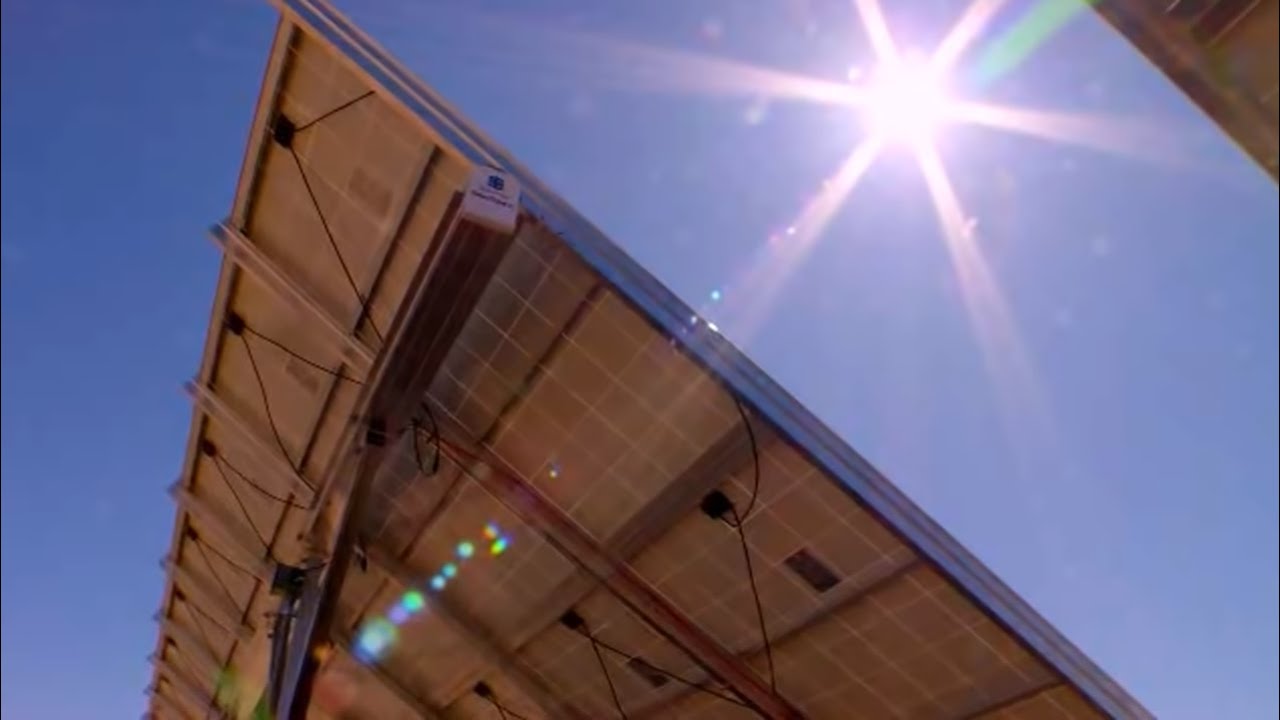
Photovoltaic generation depends on the installed system and the conditions reaching the panels. A remote observation of reduced charging should start an investigation rather than an immediate conclusion that the panels have failed. The responsible team can compare the approved operating records with local conditions, shading, visible panel condition, and the supplied controller information. Any inspection or adjustment must follow the manufacturer’s instructions and the site’s safe access arrangements.
Separate instantaneous information from accumulated energy. A reading at one moment cannot describe the full charging day, and a daily total cannot reveal every short interruption. Ask which information the installed system retains and how gaps are shown. The monitoring method should help teams identify uncertainty rather than conceal it behind a smooth-looking chart. Do not infer a daily energy yield from panel appearance, a nominal label, or the weather forecast alone.
Treat battery information as bounded evidence
A battery percentage is meaningful only with an understanding of the supplied measurement or estimation method and its limitations. Ask how the displayed value is produced, which battery configuration it applies to, and how the supplier expects an operator to use it. Do not convert a percentage directly into guaranteed hours without the necessary approved model, available energy, actual load, operating conditions, and documented limits.
A useful monitoring record can show whether conditions are moving in an unexpected direction, but it cannot automatically diagnose every cause. A lower-than-expected indication might require checking the prior lighting period, charging history, configuration, or equipment condition. Keep the original observations before changing settings. Battery protective limits must remain those of the supplied system; a remote dashboard is not permission to override a protective response or extend operation beyond approved conditions.
Distinguish stale data from an equipment fault
The communication path can become unavailable while the tower continues operating, and equipment can develop a fault while the communication path remains healthy. The interface should make those conditions distinguishable if the supplied package supports them. Ask for the expected behaviour when data delivery stops: how the last reading is marked, whether a communication alert appears, and what information remains available locally. Record those limitations in the operating procedure.
Avoid treating the last successful message as proof of present condition. During acceptance, compare the equipment’s local indication with the remote view using the approved method. Where a communication-loss demonstration is permitted, agree on the safe simulation and expected notification first. Do not interfere with safety functions or an active worksite merely to test a dashboard. A documented limitation is preferable to a false assurance that connectivity exists everywhere the trailer can travel.
Set alert ownership before enabling notifications
An alert should identify the affected machine, the relevant observation, its time, and the required next action or escalation route. Ask which alerts the installed package supports and whether recipients can distinguish advisory information from a condition requiring immediate attention. The site owner and supplier should establish appropriate response expectations for the project. This article does not supply universal battery percentages or alarm deadlines for different towers and applications.
Test notification delivery through the agreed acceptance method, and record who received it. Then verify that responsibility remains clear during shift changes, rental returns, and account changes. Sending a message to an unattended inbox does not complete an operational response. Where monitoring depends on a subscription or cellular service, identify who maintains that service and what happens if it expires. These commercial dependencies belong in the handover file alongside the equipment instructions.
Protect access and configuration changes
Connected monitoring introduces accounts, devices, permissions, and sometimes remote commands. Ask how the installed system identifies devices, controls authorized access, manages configuration, and supports updates. NIST’s IoT device capability guidance provides a useful structure for those procurement questions. It does not establish that a particular tower implements every capability. Request evidence from the supplier and agree on the arrangements appropriate to the actual service and project.
Keep observation privileges separate from authority to change operating settings where the supplied system allows it. Record who owns the administrative account, who can add recipients, and how access is removed after a rental or staffing change. Do not publish credentials in the article, operating photographs, or a shared inspection sheet. If a remote function can affect lamps or mast movement, its use also needs the equipment-specific operating and safety controls.
Accept monitoring against a real operating record
Choose an agreed observation period and identify the machine, installed options, documentation revision, lighting plan, and starting condition. Compare available local indications with the remote information, check timestamps, record any data gaps, and verify the supported notification path. Include a real lighting and charging period where the acceptance scope calls for it. A supplier’s demonstration dashboard may help explain the interface but cannot replace evidence from the delivered configuration.
Close the acceptance with the verified signal list, unresolved limitations, account responsibilities, communication requirements, and instructions for investigating missing or unexpected information. Keep solar-energy monitoring distinct from general fleet location and maintenance tracking; those functions can complement it but answer different questions. The final result should help the site plan reliable lighting using evidence it understands, rather than encourage confidence in a dashboard whose data, age, and limitations have never been established.
Equipment and complementary planning
Identify the illustrated product family on the Keyyou smart solar trailer lighting tower product page. Start with the mobile light tower planning guide, then consult solar battery-sizing guide and charge-controller compatibility checks.
Further learning: how photovoltaic generation works
This U.S. Department of Energy educational video explains how photovoltaic cells produce electricity. It supports the solar-generation discussion; it does not demonstrate this tower monitoring interface or establish its measured energy yield.
Product configuration and related buying guide
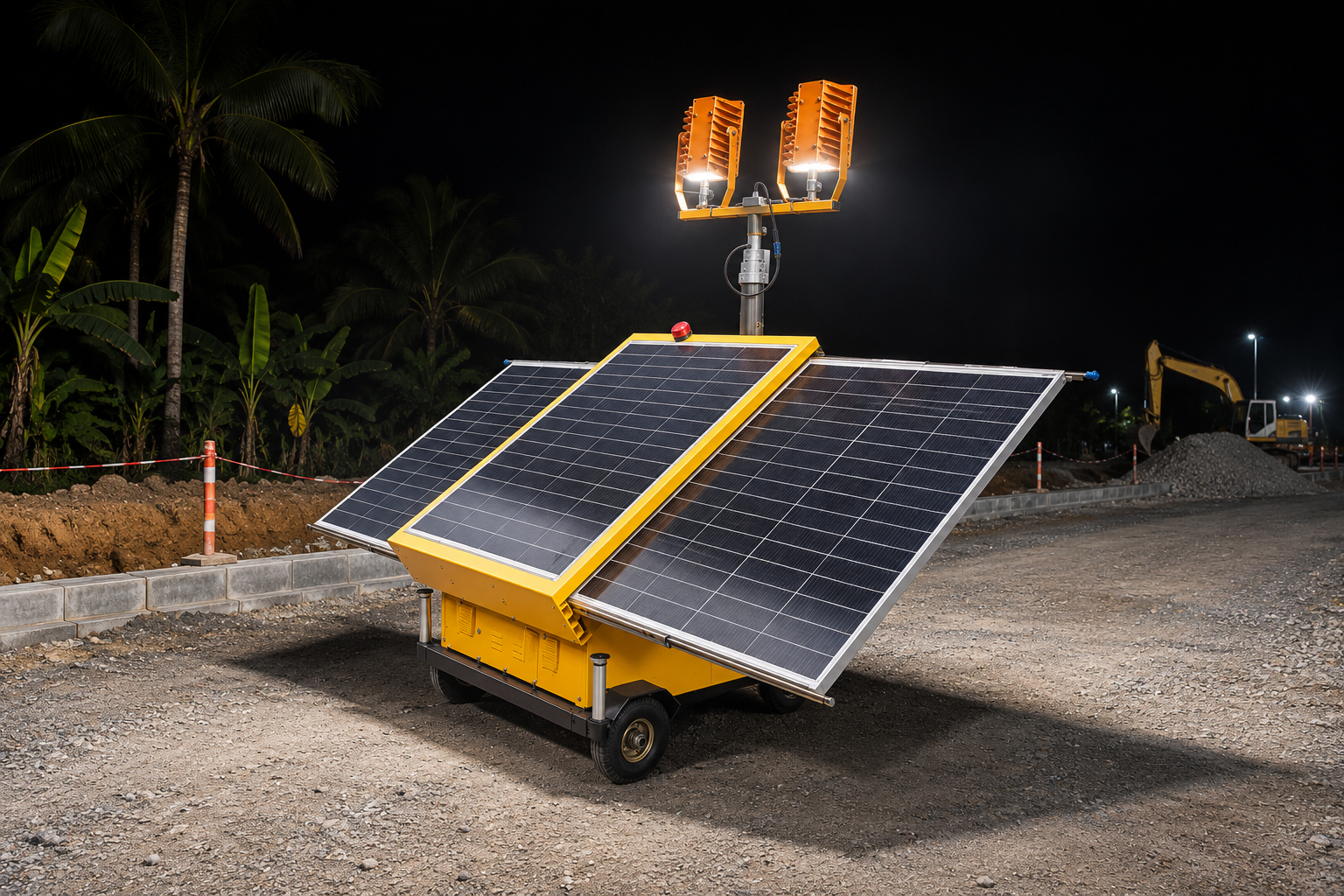
The Trailer Model Solar-Powered Mobile Lifting Light Tower (Smart Version) is the real product reference used in the outdoor night images for this guide. The visible configuration, including solar trailer, control housing and lamp assembly, provides a concrete equipment context for solar lighting status checks. Confirm the quoted monitoring hardware, supported signals and night-shift energy requirement against the delivered configuration before making an operational or purchasing decision.
Related buying and service guidance: Solar powered light tower. Use this wider guide alongside the specific checks in this article. For a model-specific enquiry, see the Trailer Model Solar-Powered Mobile Lifting Light Tower (Smart Version) and ask which documented configuration and options are included. A product photograph establishes the visible equipment context; it does not establish a measured rating, passed inspection or supported optional function.
See also how to choose a light tower and light tower maintenance.
Frequently asked questions
Is a remote handset the same as energy monitoring?
No. Confirm the actual signals, timestamps, communication path, history and alerts supported by the installed package.
Can a displayed battery percentage guarantee the remaining lighting hours?
No. Its method and limitations, actual load, available energy and operating conditions must be understood. A percentage alone is not a runtime guarantee.
What should a team do when remote readings stop arriving?
Follow the documented communication-loss procedure and distinguish stale data from confirmed equipment condition. Arrange authorized local verification when required.
Sources and scope
DOE explains PV system components and storage; NIST provides a connected-device capability baseline. These sources support procurement questions, not product-specific telemetry accuracy, energy yield, runtime or implementation claims.