
How Should Teams Choose Light Tower Lighting Controls?
Choose light tower lighting controls by defining command authority, timing, confirmation, and loss-of-command handling before selecting a feature label. A local manual workflow, a timer, and a remote command path solve different operating problems; none proves that a specific offered tower includes that function.
Part 1. Start with the operating decision
The first decision is not “which button is available?” It is who is authorized to change the lighting state, where that person is located, and what must be checked before a command is accepted. That keeps a controls discussion separate from the pre-operation inspection that remains necessary at the start of a shift.
| Operating question | Why it belongs before feature selection |
|---|---|
| Who can command on, off, or a change of state? | Establishes authority and handover responsibility |
| Is the work pattern fixed or event-driven? | Separates schedule support from live judgement |
| What acknowledgement is needed? | Defines whether the team needs visible local confirmation |
| What happens if communication is unavailable? | Keeps a convenience function from becoming an unreviewed dependency |
Part 2. When manual control is the better fit
For a site where the authorized person must see the unit and surrounding work area before acting, manual control may fit the handover process. A local check can be more appropriate than a preset sequence when responsibility changes during the shift.
This does not make manual operation universally safer or simpler. The local control point still has to fit the site procedure, and the operator still needs the instructions that apply to the work. OSHA’s construction rules describe illumination requirements and employer instruction in their own contexts; use the governing project rules rather than treating this article as a procedure.
Part 3. What a timer can and cannot decide
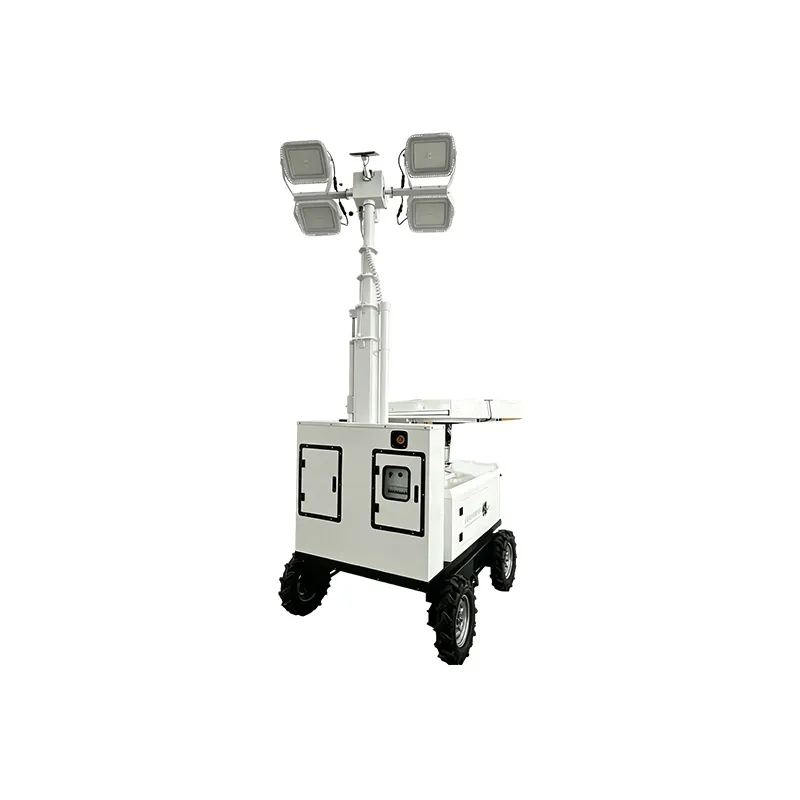
For repeatable start and stop windows, review a timer as a schedule aid. It cannot inspect the work area, confirm an operating condition, or decide whether a crew still needs light.
| Timer review item | Buyer should ask | Do not assume |
|---|---|---|
| Schedule entry | Who may change the schedule? | Every user has permission |
| Time reference | How is the clock set and retained? | It matches the site’s shift plan |
| Override | Is there an approved local override path? | A timer replaces an operator check |
| Restart behavior | What does the exact model document say after a disruption? | Any automatic restart behavior |
Important: A timer should never be treated as proof that operating conditions are acceptable. Keep the site’s shift-start process and the trailer setup checklist separate from schedule automation. Source: OSHA construction illumination requirements.
Part 4. Questions that make remote control reviewable
Rather than treating remote control as one feature, map the command path: user, signal method, authorization rule, response indication, and response when the path is unavailable. Request the exact control document for the offered configuration before representing a remote function in a project plan.
Ask whether remote commands are intended for a nearby operator, a supervised site point, or another operating arrangement. Then ask what the operator can see before issuing a command and how the team records a handover. The answer may change the control choice even when the same physical tower is being considered.
Part 5. Compare authority, signal, and failure handling
| Method | Best planning use | Authority question | Failure-handling question |
|---|---|---|---|
| Manual | Local, visible operation | Who is at the control point? | What local stop and handover rule applies? |
| Timer | Repeatable schedule support | Who can edit or override the schedule? | What does the documented configuration do after a time or power interruption? |
| Remote | Supervised command from a defined location | Which users and locations are authorized? | What does the exact model do when communication is unavailable? |
Use the table as a decision framework, not as a Keyyou feature list. It does not replace electrical isolation, a work permit, or emergency instructions. For broader temporary-lighting planning, Atlas Copco’s selection guidance is useful for its application-first framing.
Part 6. Put the control decision into the RFQ
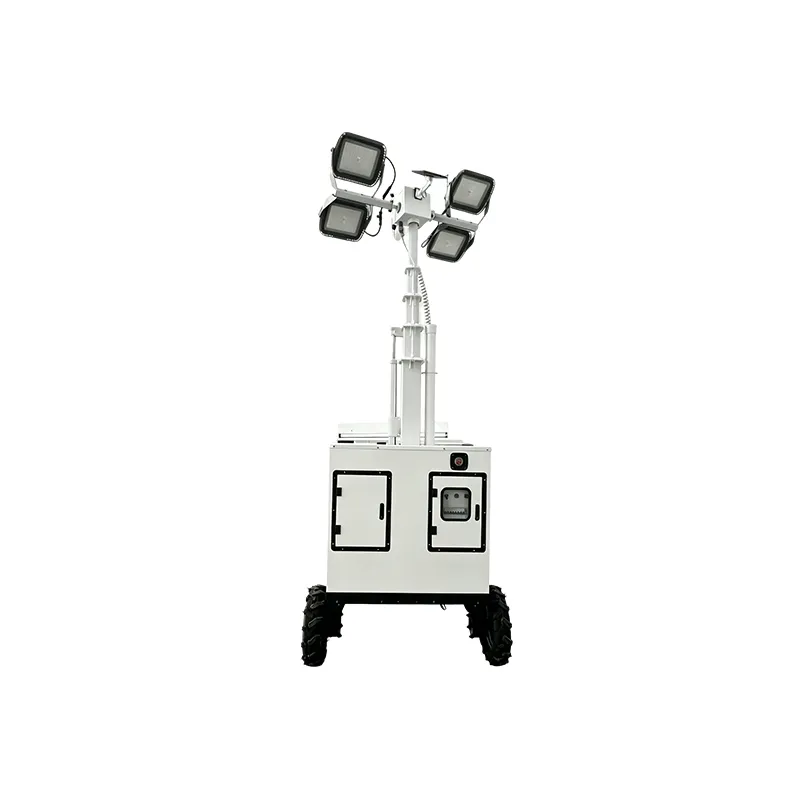
An RFQ should make the intended operating workflow reviewable. Describe the task and ask the supplier to identify which documented control arrangement is offered, rather than requesting “remote” as an undefined preference.
| RFQ field | Why it matters | Evidence to request |
|---|---|---|
| Operating location and shift pattern | Frames manual, timer, or remote need | Site workflow note |
| Authorized-user roles | Clarifies permission and handover | Control responsibility matrix |
| Desired command actions | Avoids vague feature requests | Exact offered control description |
| Signal environment and obstructions | Tests whether a remote proposal is suitable | Model-specific signal and operating document |
| Loss-of-signal and recovery expectation | Makes failure handling discussable | Written behavior for the offered configuration |
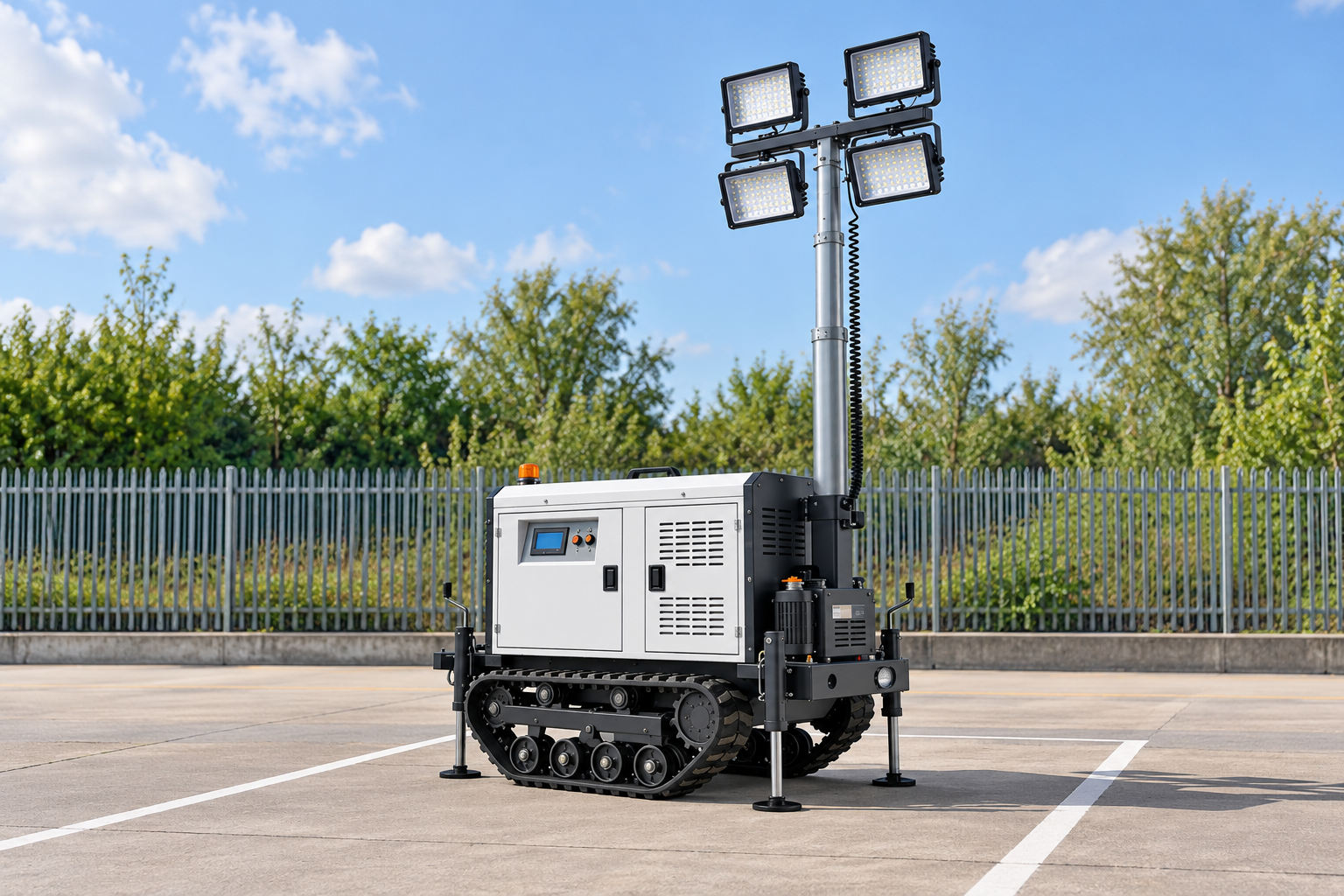
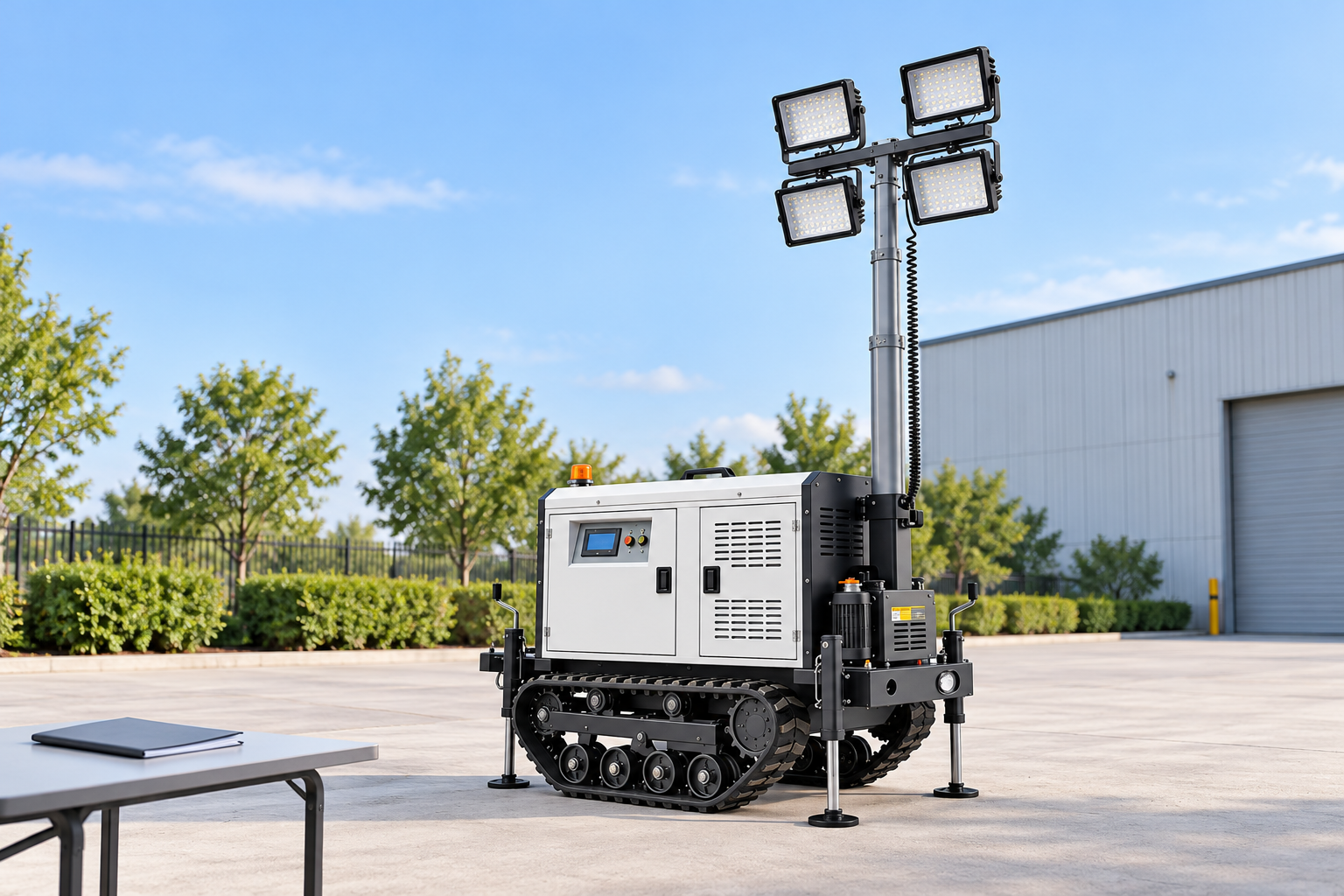
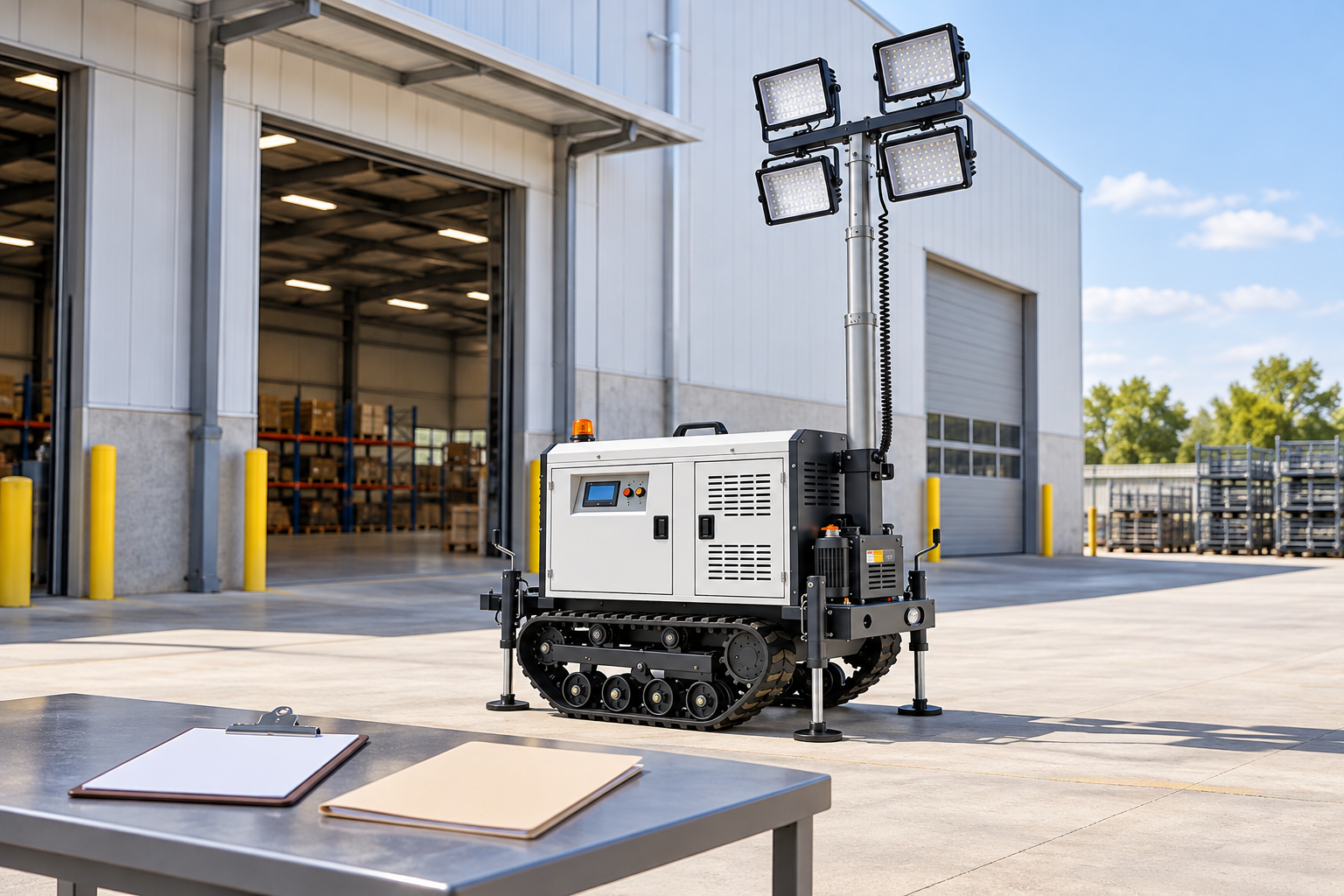
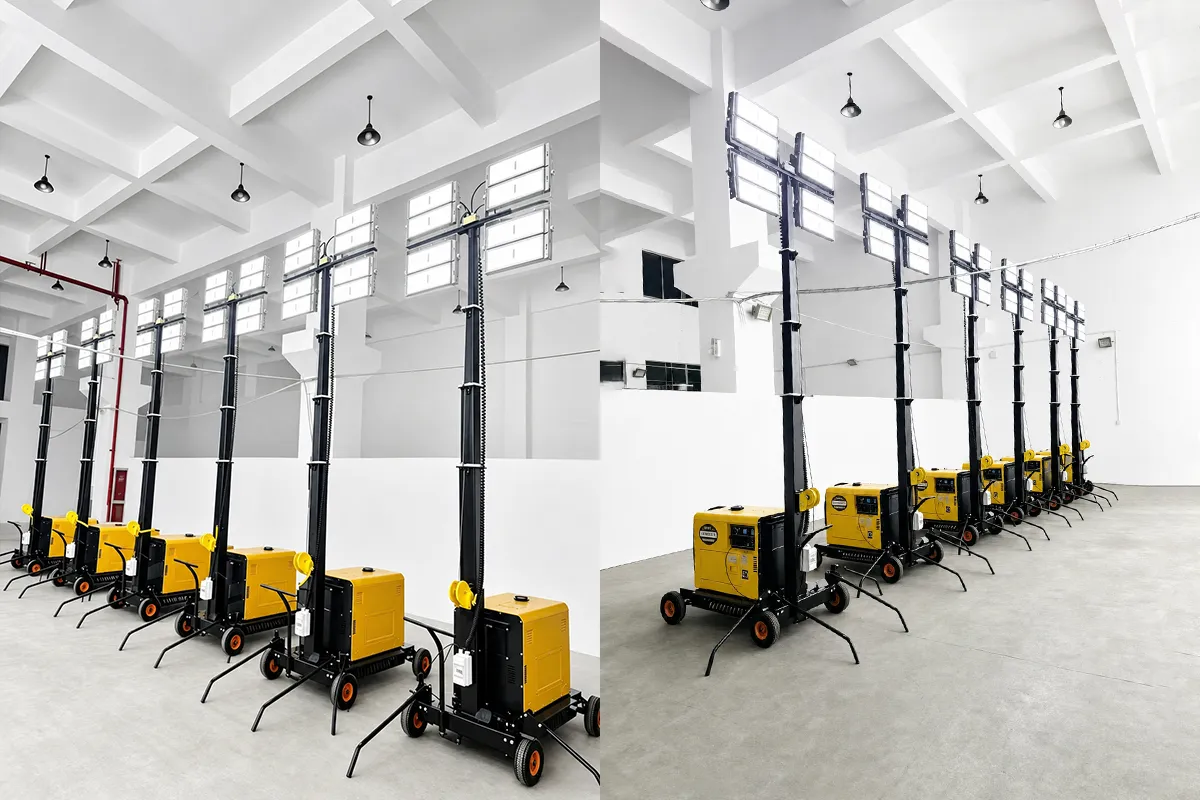
Product recommendation: use the listed hand-cranked lighting-tower configuration as a document-review starting point when the project is considering a local, manually operated workflow. It is not a default recommendation for timer or remote requirements. Send the workflow, authority rules, and requested documents through Keyyou Contact.
Fit Boundary
Use this guide to frame a controls decision. It is not a remote-control specification, a safety procedure, an electrical isolation plan, or confirmation that a particular Keyyou model has a timer or remote function.
Part 7. Know when a controls choice is not enough
Pause the controls decision if the project cannot identify the authorized operator, the governing procedure, the required acknowledgement, or the exact configuration document. A controls choice also cannot correct an undefined lighting load; use the generator nameplate and lighting-load guide for that separate question.
FAQs
What are the main light tower control options?
The common decision categories are local manual operation, a time-based schedule, and a remote command path. Their availability and behavior must be confirmed for the offered configuration.
When is manual control the better choice?
It can fit a workflow that needs visible local authority and a site check before a command. The site procedure still decides who may operate the equipment.
Can a timer replace an operator check?
No. A timer can support a repeated schedule, but it cannot verify that the work area, operating condition, or current shift plan is suitable.
What should happen if a remote signal is lost?
The buyer should ask for the exact offered configuration’s documented behavior and define the site’s fallback operating procedure. Do not assume a range, recovery action, or automatic restart.
Who should have authority to change light tower settings?
The project’s designated roles should be stated in the site procedure and RFQ. The supplier should then confirm whether the offered configuration can support that intended workflow.
What information should be included in an RFQ for remote controls?
Include operating location, shift pattern, authorized-user roles, required command actions, signal environment, desired acknowledgement, and requested loss-of-signal documentation.
Are all remote-control systems the same?
No. Command path, permissions, indication, environmental suitability, and failure behavior can differ. Review the exact offered model document.