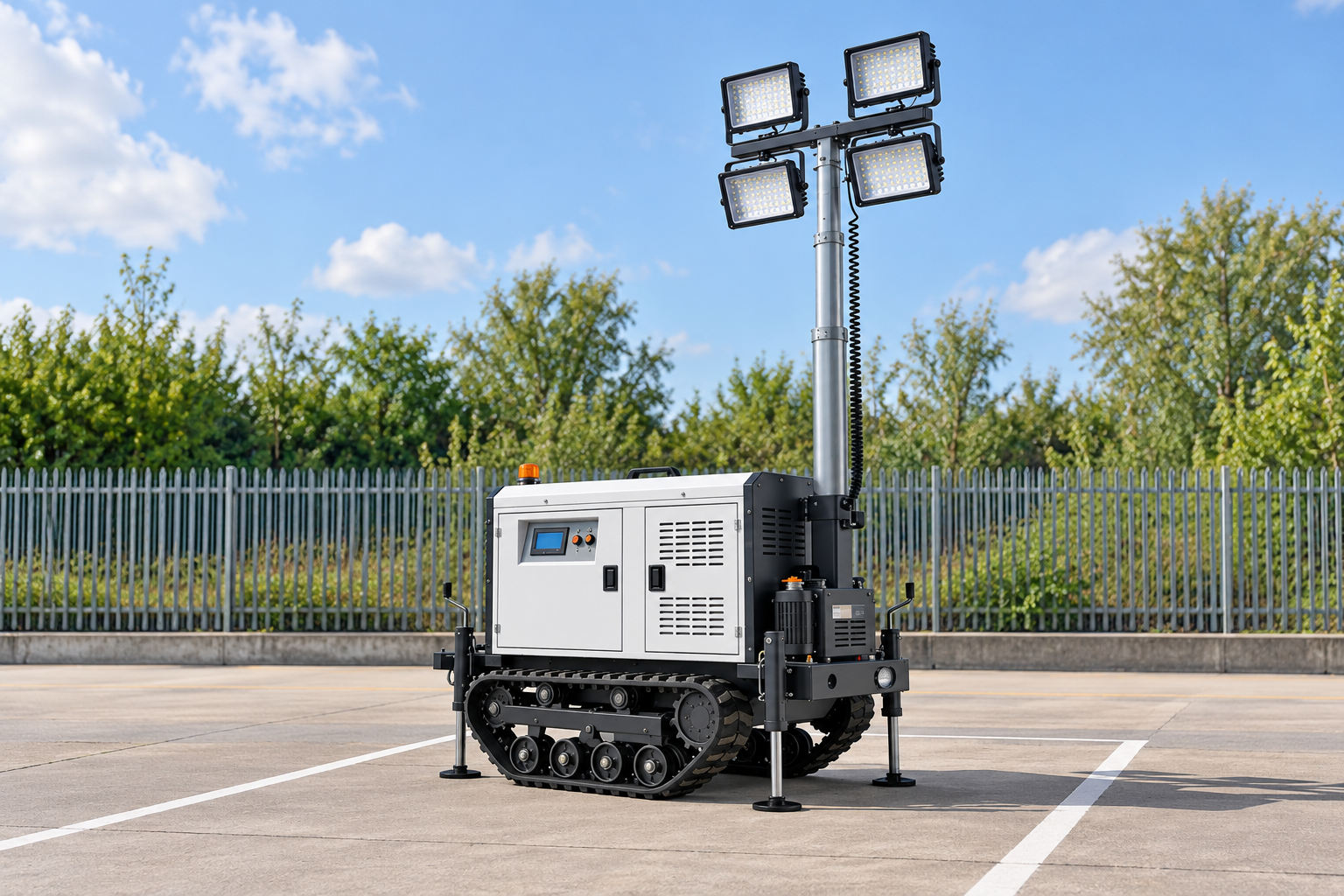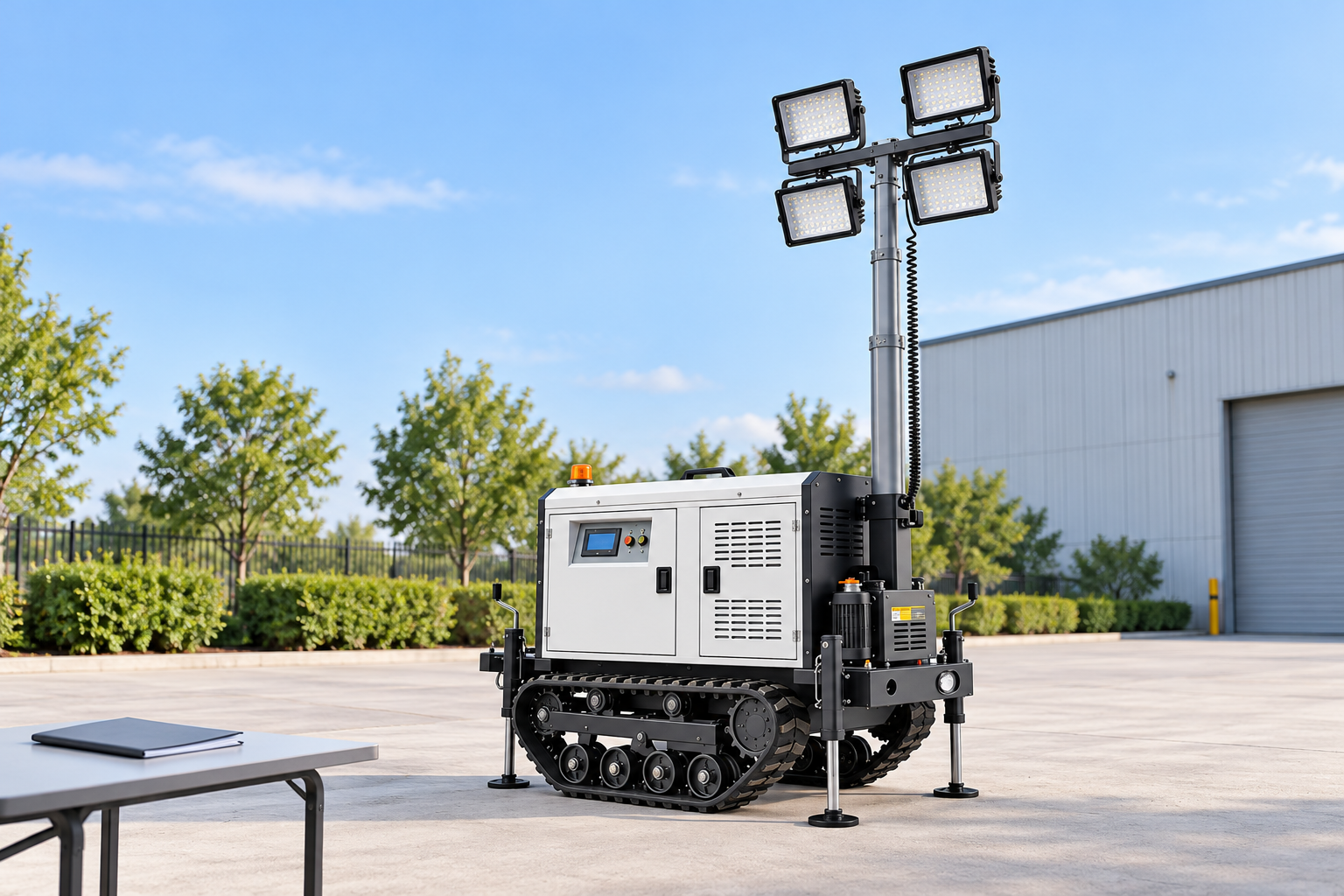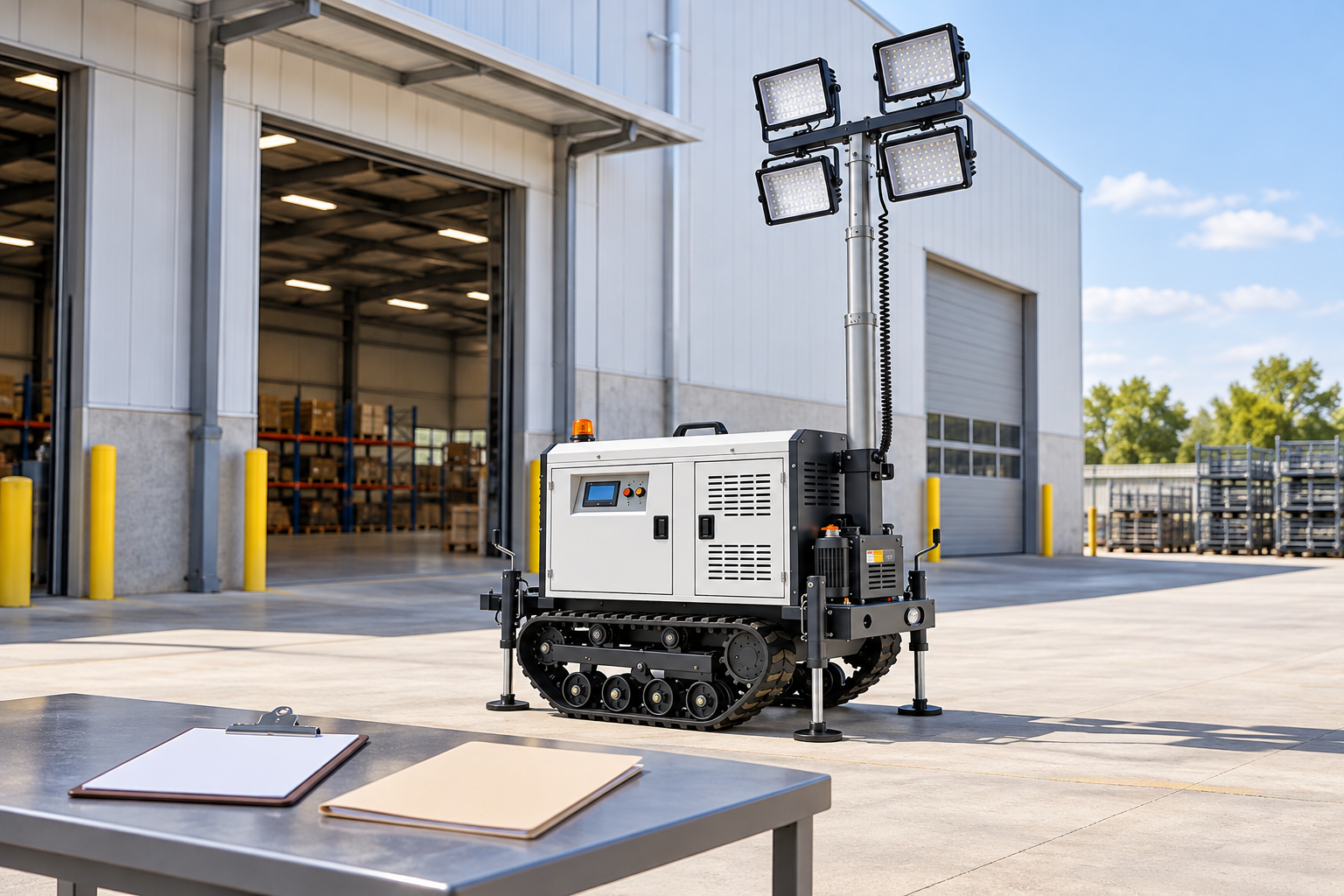

What should a solar light tower maintenance checklist cover?
A solar light tower maintenance checklist should cover energy collection, power-system observations, mechanical walk-around items, operating records, and a safe escalation path. Exact service intervals and repair procedures must come from the selected model’s manual, because component layouts and approved methods vary.
This checklist helps site teams identify what to observe during routine operation without turning an operator walk-around into electrical or mechanical repair work. For component context, see the site’s solar light-tower component guide.
Contents
Part 1. What should a solar light tower maintenance checklist cover?
A usable checklist covers the full operating system rather than only the solar-panel surface. It should help the team notice changes in energy collection, controls, visible wiring, lights, mast and trailer condition, and the operating record before a small issue becomes an unplanned outage.
The IEC 62446-2 overview describes preventive, corrective, and performance-related PV maintenance, including attention to system components and cleaning. Its scope is grid-connected PV systems, so it does not supply a Keyyou procedure; it supports the general principle that maintenance needs more than a cleaning task.
For mobile equipment, separate three roles:
- Site team: visual checks, safe cleaning only when permitted, operating-log entries, and reporting.
- Authorized service: work defined in the equipment manual for the selected configuration.
- Qualified electrical or mechanical personnel: diagnosis or repair of damaged wiring, electrical components, batteries, controls, hydraulic items, or structural safety concerns.
Important: Never use a generic checklist to override the selected unit’s manual or isolation procedure. The Australian Government solar-system guidance directs electrical faults and component repair to qualified personnel.
Part 2. What should be checked before routine operation?
Begin with a short visual walk-around while the unit is in a safe condition and before the site relies on it for night work. The goal is to identify a visible change, not to adjust equipment outside the approved instructions.
| Check group | Observe | Record or action |
|---|---|---|
| General condition | Impact damage, loose covers, missing guards, water ingress, or unusual odour | Remove the unit from routine use and report a safety concern. |
| Worksite exposure | New shade, dust, debris, standing water, or restricted access | Update the operating plan and cleaning/inspection trigger. |
| Lighting function | Obvious damage to lenses or fixtures; abnormal warnings | Record the symptom and follow the model manual. |
| Controls and alerts | Displayed warnings or recurring alarm messages | Keep the exact message and time in the operating log. |
| Trailer security | Visible issue with parking, supports, coupling area, or access doors | Do not tow or deploy until the manual-required check is complete. |
The DOE PV O&M guide includes checking modules, shade, controller settings, batteries, electrical equipment, and operational indicators. Use that component coverage as a prompt, then apply the selected tower’s own instructions.
Part 3. How should teams inspect panels and energy collection?

Solar panels collect the energy that the lights will later use, so surface condition and exposure belong in the routine record. A site team should look for visible dirt, leaves, bird debris, snow, damage, or new shade that reduces the available collecting area.
The IEA PVPS soiling report identifies dust and snow as energy-yield risks and emphasizes site-specific mitigation. This is why a contractor should not copy a cleaning interval from another location with different dust, rain, or access conditions.
Safe observation sequence
- Check whether the panel surface is visibly obstructed and whether an obstruction casts shade during the collection period.
- Compare the condition with the last inspection note and any available charge or alert history.
- Use only the cleaning method, access method, and safe condition permitted by the selected unit’s manual.
- Record damage, persistent contamination, or a recurring performance concern for service review.
Forum users often question whether rain will remove persistent contamination; one DIY Solar Forum discussion notes that some material remained after rain. That is useful operator language, not a substitute for the panel maker’s approved cleaning method.
| Observation | What it can affect | Escalation boundary |
|---|---|---|
| Dust, leaves, or snow | Available solar energy | Clean only as the manual permits; report persistent buildup. |
| Cracked glass or damaged frame | Equipment integrity and energy collection | Stop routine use and request qualified inspection. |
| New moving or fixed shade | Daily charge opportunity | Reassess location using approved deployment instructions. |
| Repeated low-charge indication | Planned operating reserve | Compare log data and request configuration/service review. |
Part 4. What should be observed around batteries, controls, and wiring?
Battery, controller, and wiring observations should be visual and record-based unless the equipment manual assigns a trained operator a specific procedure. Do not open enclosures, change settings, or attempt electrical repair simply because a checklist mentions the component.
The DOE guide includes battery enclosure and terminal checks, charge-controller settings, electrical-equipment inspection, and voltage/current monitoring as O&M categories. The exact access, safety controls, and acceptable readings depend on the actual equipment and must come from its approved documentation.
Look for the following without disturbing protected components:
- warnings or error messages on the available control interface;
- signs of loose, damaged, overheated, wet, or corroded external connections;
- unusual enclosure condition, odour, or noise;
- a repeated change in charging or operating pattern compared with the site record.
When a warning appears, capture the message, date, weather/exposure note, operating hours, and any visible condition. That record gives service personnel a useful starting point and prevents the team from replacing evidence with guesswork.
Part 5. Which mast and trailer items need a walk-around?
Mobile solar lighting adds mast, chassis, and transport elements to the PV and battery system. These items need a visual condition check because safe deployment and transport affect whether the lighting system can be used as planned.
The search results include equipment manuals that cover trailer, mast, battery, and lighting checks. Those manuals are not interchangeable with a Keyyou manual, so this article does not import their intervals, torque values, fluids, or procedures.
Walk-around checklist
| Area | Look for | Do not do |
|---|---|---|
| Mast and fixtures | Visible damage, loose-looking sections, cable condition, abnormal movement | Lubricate, adjust, or repair without the manual and required competence. |
| Trailer and supports | Damage, unstable positioning, damaged coupler area, tyre or wheel concerns | Tow the unit if a safety check is unresolved. |
| Doors and enclosures | Damaged seals, insecure latches, water entry | Force a damaged door or bypass an interlock. |
| Lights and lenses | Cracks, contamination, loose-looking fittings | Handle electrical connections while energized. |
This is also the right point to distinguish maintenance from deployment. A unit that cannot be positioned safely, accessed safely, or inspected safely is not ready for routine operation, even if its panels and lights appear clean.
Part 6. Which records make maintenance decisions easier?
Useful maintenance records connect the condition seen by the operator with the way the unit actually behaved. IEC 61724-1 covers PV performance monitoring and analysis; a mobile site team can apply the same logic with a simple, consistent log.
Record only information that is available safely and legitimately from the selected configuration:
| Record | Why it matters | Example trigger |
|---|---|---|
| Date, location, and weather/exposure note | Explains changing solar conditions | New shade or prolonged dust event |
| Operating hours and lighting demand | Connects demand with stored energy use | Shift pattern changes |
| Visible panel and equipment condition | Creates a before/after history | Debris, snow, damage, or water entry |
| Alerts and observed symptoms | Gives service personnel exact evidence | Repeated warning or reduced operating period |
| Action taken and result | Prevents repeated guesswork | Approved cleaning or relocation |
Records should not be used to make an unsupported performance promise. They should help the team decide whether the condition is normal for the site, needs an operating adjustment, or requires qualified service.
Part 7. When should the team stop and contact qualified service?
Stop routine operation and use the selected manual’s escalation route if there is visible structural damage, damaged wiring, water inside an electrical enclosure, a repeated unexplained warning, abnormal odour, abnormal heat, or any condition the manual identifies as unsafe. A site team should not convert a maintenance checklist into a repair authorization.
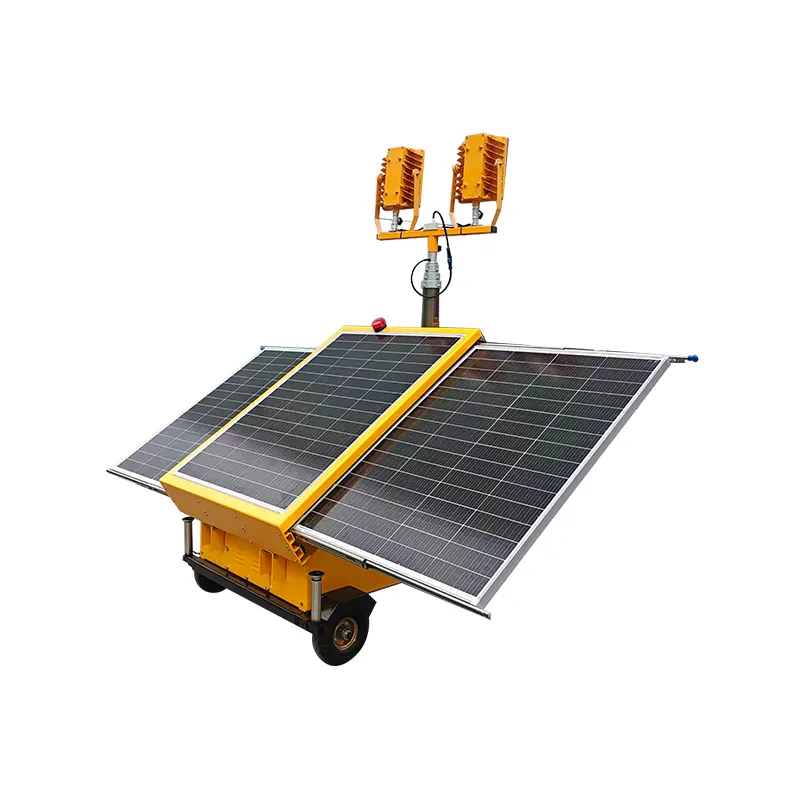
For a model-specific discussion, the public listed trailer solar light-tower configuration is a valid starting point because it describes solar panels, lithium battery storage, smart control, and trailer construction. Confirm the exact supplied version and obtain its manual before assigning a maintenance schedule.
Service or RFQ information to provide
- Selected model and serial/asset identifier where available.
- Site location, dust/weather conditions, and access constraints.
- Exact alert text, time, and operating history.
- Photos of visible external damage only when safe to take.
- Required service scope and whether the unit is currently available for inspection.
Product recommendation: use the listed trailer solar light-tower configuration when its verified documents match the site’s application and service needs. It is not a default recommendation for a fleet that needs a particular service interval, repair method, or approval that has not been documented.
Fit Boundary
This checklist is suitable for routine site observations and service preparation. It is not suitable as an electrical repair manual, a battery-service procedure, a mast adjustment guide, or evidence of a Keyyou warranty/service commitment. For a configuration or service discussion, send the model and service context.
For shift-start readiness separate from routine maintenance, use the pre-operation inspection checklist.
FAQs
What maintenance does a solar light tower require?
It requires a documented process for visual condition checks, energy-collection observation, control/alert review, mechanical walk-around, record keeping, and qualified escalation. The selected model manual defines the allowed procedures and intervals.
How should solar light-tower panels be cleaned?
Use only the cleaning method and access procedure approved for the selected panel and tower. Inspect for contamination first, then record persistent debris or damage instead of using an unapproved chemical, tool, or access method.
What should be checked around the battery and controller?
Check available alerts, visible enclosure condition, external signs of damage or moisture, and operating history. Do not open enclosures or perform electrical work unless the unit documentation and your authorization permit it.
How often should a site team inspect the unit?
Set inspection triggers from the selected manual, site dust/weather conditions, deployment schedule, and observed alerts. A generic interval from another model is not enough evidence for this equipment.
What mast and trailer items should be included?
Include visible mast and fixture condition, trailer/support stability, doors and enclosures, and any obvious wheel/coupler concern. Use the model manual for every transport, mast, and service procedure.
What maintenance records should be kept?
Keep the date, location, exposure conditions, operating hours, visible condition, alerts, actions taken, and results. These records help distinguish a site-condition issue from a recurring equipment issue.
When should qualified service be contacted?
Contact qualified service for damaged wiring, water entry, structural concerns, repeated unexplained alerts, abnormal odour or heat, or any manual-defined unsafe condition.